

Quick answer: CRM Software Pro is our best affordable CRM overall for a small team that wants more than a contact database. The free plan supports up to three CRM users. Its flat team price is unusually competitive in a market where many entry plans charge for every seat.
Its $19/month Launch plan covers up to 8 users and brings sales pipelines, contacts, quotes and invoices, scheduling, customer chat, AI support, projects, tasks and team collaboration into one workspace.
It is not the best CRM for every company because:
- Pipedrive is a more mature sales-only tool.
- Less Annoying CRM is simpler.
- HubSpot offers a larger ecosystem.
- Zoho CRM goes deeper on customization.
- Brevo is stronger for email-first marketing.
The right choice depends on what you actually need—and what you would otherwise pay for in separate tools.
What an affordable CRM must solve
Start with the work, not the vendor logo. A CRM is affordable only when it removes missed replies, duplicate data entry and follow-up work. A free contact list is expensive if your team still checks five inboxes to find the latest answer.
Write down ten recent conversations: a quiet lead, a high-value lead, a weekend question, a WhatsApp conversation and a request that needed a developer. Record the first reply, human handoff, repeated questions, owner, outcome and whether the customer returned within 30 days.
For a small support-and-sales team, the must-have list is usually:
- One shared history for website chat, email, WhatsApp, Telegram and Slack.
- AI answers for routine questions with a clear human handoff.
- Internal notes, owners and tasks that keep developers and sales in the same loop.
- Pricing you can understand before connecting real customer data.
- Reporting that shows replies, qualified leads and revenue.
DanEri Yachts: a real test of affordable CRM
DanEri Yachts manages 18 boats and around 600 daily active customers.
Before a booking, people ask about routes, prices, children, weather, availability and payment. They ask in different languages and at inconvenient times.
One person may start on the website, send a voice note in WhatsApp, follow up in Telegram and then email a document. A small team cannot afford to remember which app contains the latest answer.
Today, about 80% of these customer conversations are handled by AI in roughly two seconds. That speed helps DanEri sell about 70% more, retain customers and keep satisfaction high: the visitor gets a useful answer while still ready to book instead of waiting until Monday.
DanEri started with CRM Software Pro’s free plan and now manages most sales conversations with AI. When the team needs more room, the Launch plan is $19/month for 8 users—lower than many per-seat alternatives.
Wanna know more? Keep reading—the best part is coming.
The best 10 affordable CRMs at a glance
| Rank | CRM | Best for | Free / entry plan | Lowest paid price reviewed* | Pricing model |
|---|---|---|---|---|---|
| 1 | CRM Software Pro | Sales, support and delivery in one workspace | 3 CRM users; 100 AI messages; one bot; one website | $19/month flat for Launch and 8 users | Per workspace/team limit |
| 2 | Less Annoying CRM | The simplest traditional CRM | 30-day trial | $15/user/month | Per user |
| 3 | Pipedrive | Focused visual sales pipelines | 14-day trial | $14/user/month billed annually | Per seat plus add-ons |
| 4 | Zoho CRM | Customization and a long upgrade path | Up to 3 users | $14/user/month billed annually | Per user with add-ons |
| 5 | HubSpot CRM | A free CRM and broad ecosystem | Up to 2 users | From $7/seat/month on current annual offer | Per seat; paid hubs rise |
| 6 | Freshsales | Email, phone and sales chat | Up to 3 users | $9/user/month billed annually | Per user with usage add-ons |
| 7 | Nutshell | Supported SMB sales teams | 14-day trial | $13/user/month billed annually | Per user plus add-ons |
| 8 | Brevo | Email-first marketing with light CRM | Free sales tools | Sales Essentials $31/month | Base platform plus packages |
| 9 | Bitrix24 | Fixed-price breadth for larger teams | Free plan | Basic $89/month for 5 users | Fixed organization tier |
| 10 | Lark | Collaboration-first DIY CRM | Up to 20 users | $6/user/month billed annually | Per user |
*Public starting prices and plan limits checked September 20, 2026. Annual rates require upfront commitment; promotions, taxes, regional pricing and add-ons can change the total. Starting price does not mean equal feature coverage.
How to compare CRM prices honestly
Compare the monthly total for your actual team. Add seats, channel fees, AI or resolution usage, onboarding and the time spent fixing handoffs.
Real monthly cost = platform fee + paid seats + channel fees + AI usage + add-ons + team time spent fixing handoffs.
Example: two teammates spend 25 minutes each workday checking WhatsApp, email and Telegram for missing context. At 20 workdays, that is 16.7 team-hours a month before they answer a customer. If one shared inbox saves half of that time, you recover 8.3 hours. Put your own hourly value beside that number.
1. CRM Software Pro — best affordable CRM overall
CRM Software Pro is the first tool to test when the problem is customer conversations plus team follow-up. The free plan is $0, needs no card, supports 3 CRM users, includes 100 AI messages per month, 3 AI voice minutes, one workspace, basic Tasks & Chat, one bot, one website and up to 100 contacts. Human messages sent from the inbox do not reduce the AI-message allowance.
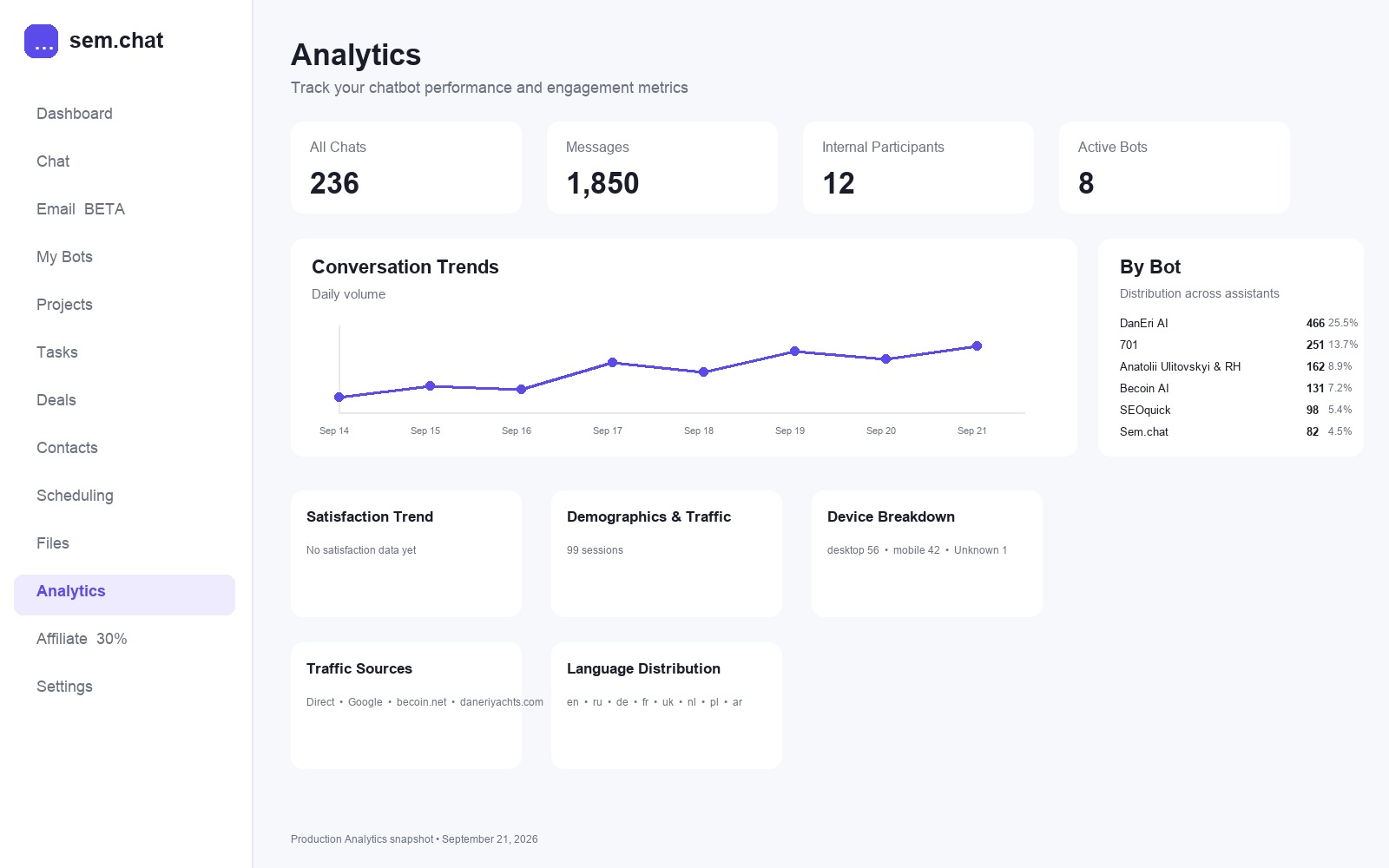
You can train a bot on your content, answer a real website question, hand the conversation to a person, create an internal task and see the next action in the same workspace. That is the useful difference between a contact database and a working CRM.
Use CRM Software Pro when you need website AI chat and human handoff, email, WhatsApp, Telegram and Slack conversations available to the team, and internal team chat with developer tasks. Its limits are visible, so you can budget before connecting real traffic.
Where CRM Software Pro is not the best fit
Choose another CRM if you need only a very simple contact database, a mature sales-only pipeline, a larger marketing ecosystem or deep traditional CRM customization. Fixed team economics can be attractive, but telephony and operational fit still determine whether switching is worthwhile.
2. Less Annoying CRM — best for simplicity
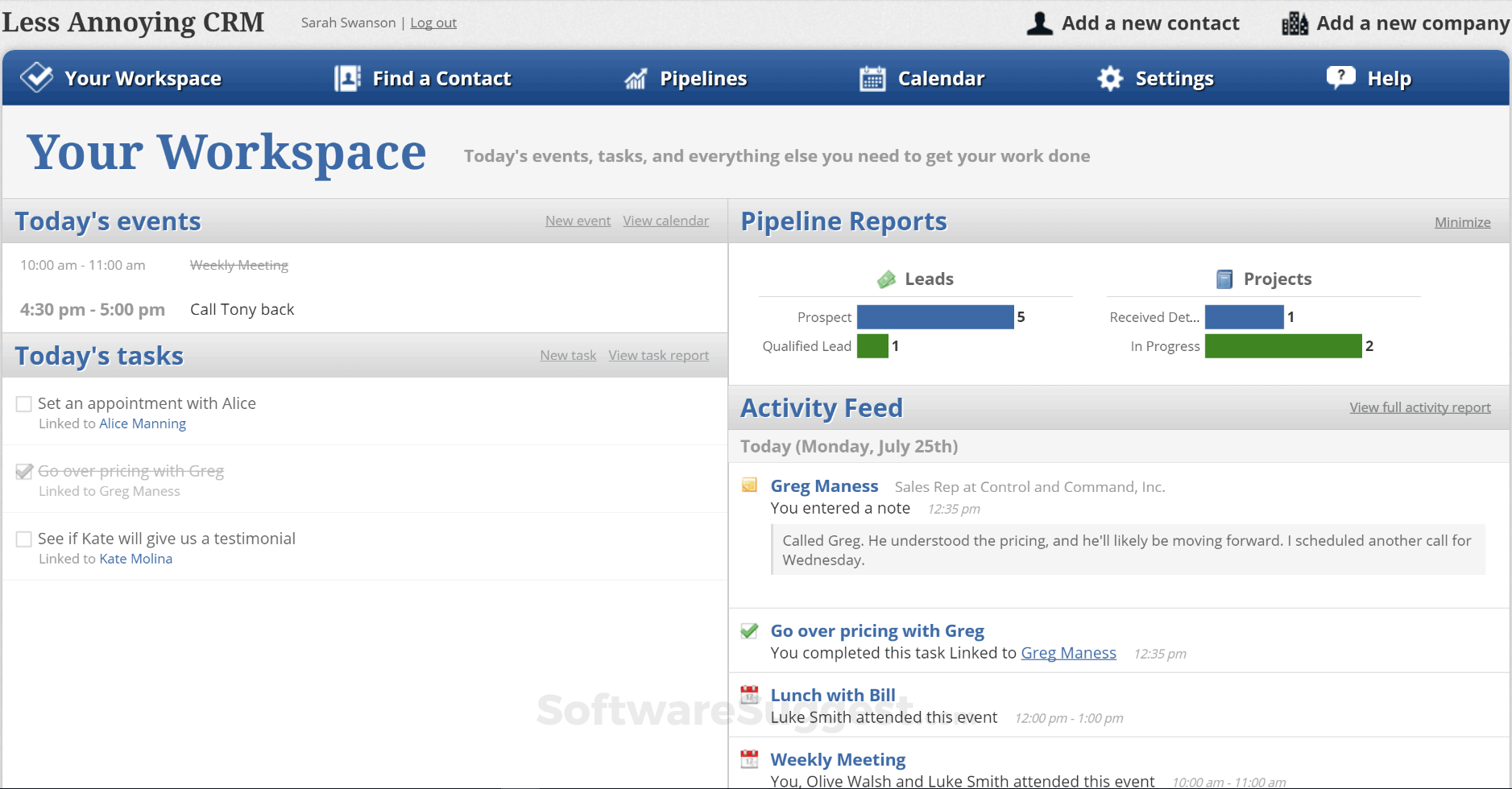
Less Annoying CRM gives every customer one simple plan at $15 per user per month, with contacts, companies, pipelines, custom fields, email logging and tasks. It is a good fit for a consultant or local sales team leaving spreadsheets. The tradeoff is that you will need separate tools for AI website support, omnichannel conversations, scheduling or project delivery.
3. Pipedrive — best visual sales CRM
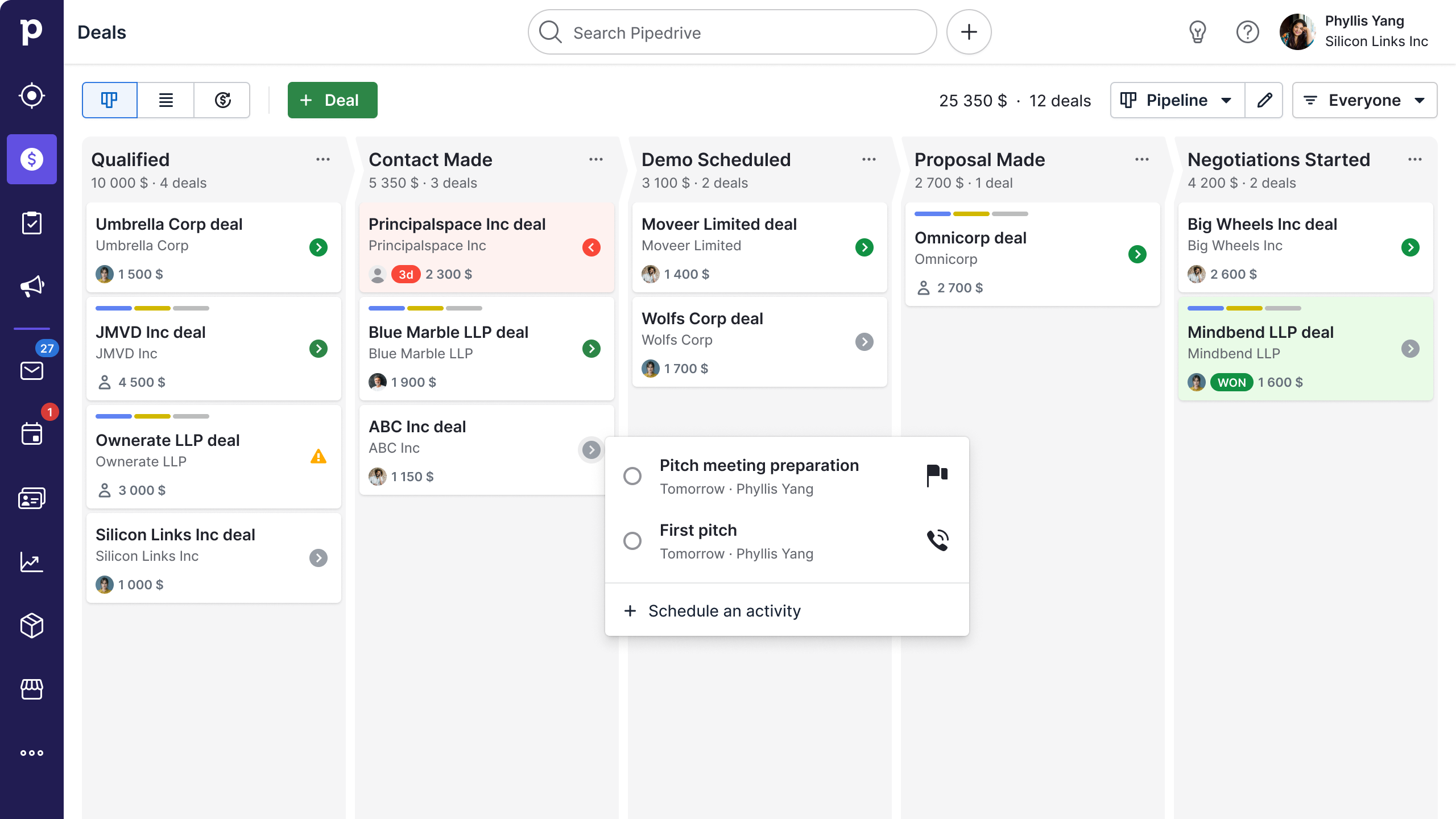
Pipedrive is a mature sales-only tool. Its visual stages and activity tracking make it strong when the main question is “which stage is this deal in?” Per-seat pricing and add-ons matter when the team needs projects, automation or broader customer support.
4. Zoho CRM — best for customization
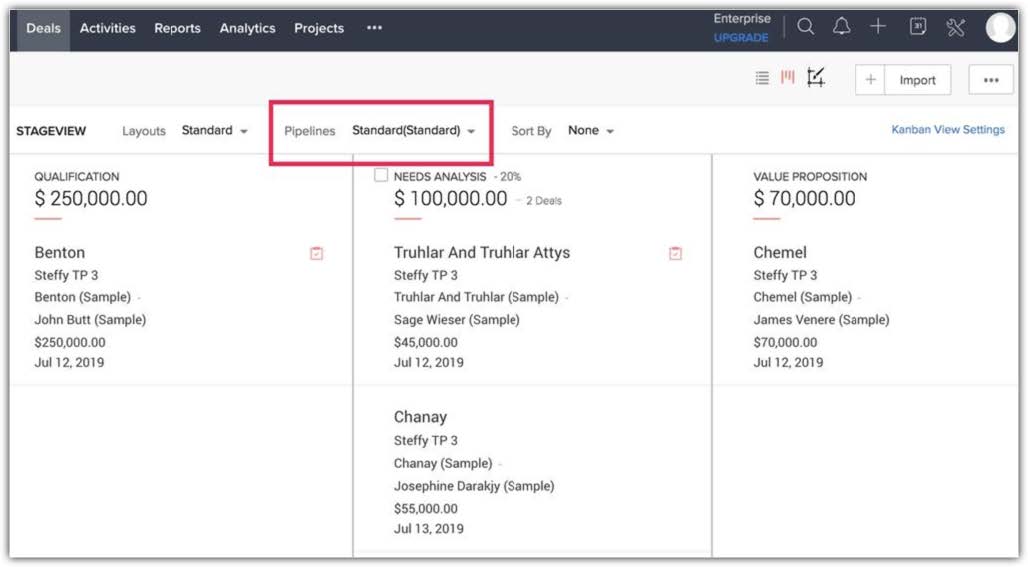
Zoho CRM’s free edition supports up to three users and gives a growing company a long path into custom fields, workflows, reports and advanced editions. It is a sensible choice when pipeline discipline and configuration matter more than one shared support history.
5. HubSpot CRM — best ecosystem
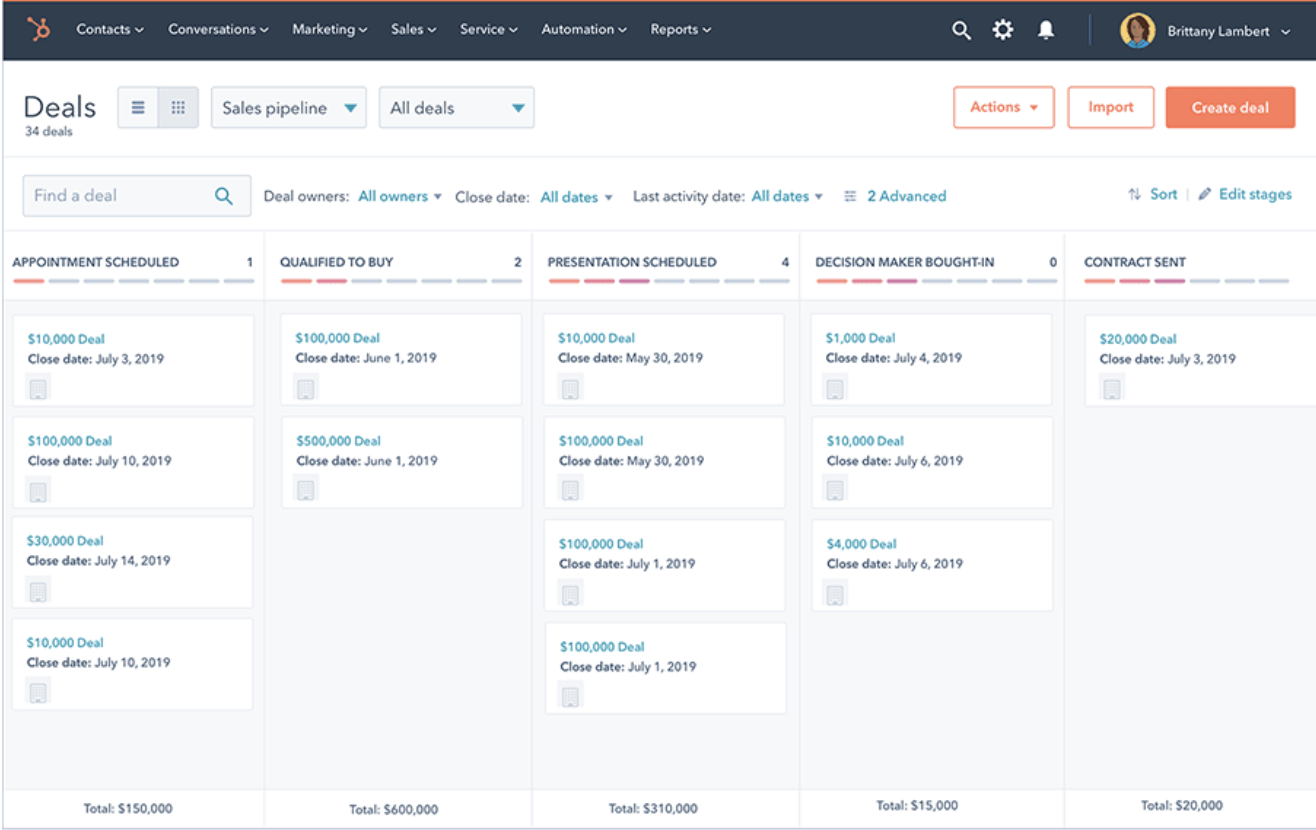
HubSpot is attractive for a polished free database, meeting links, marketing tools and a broad integration catalogue. Its free account supports up to two users; paid seats and additional hubs can change the total quickly.
6. Freshsales — best for built-in sales communication
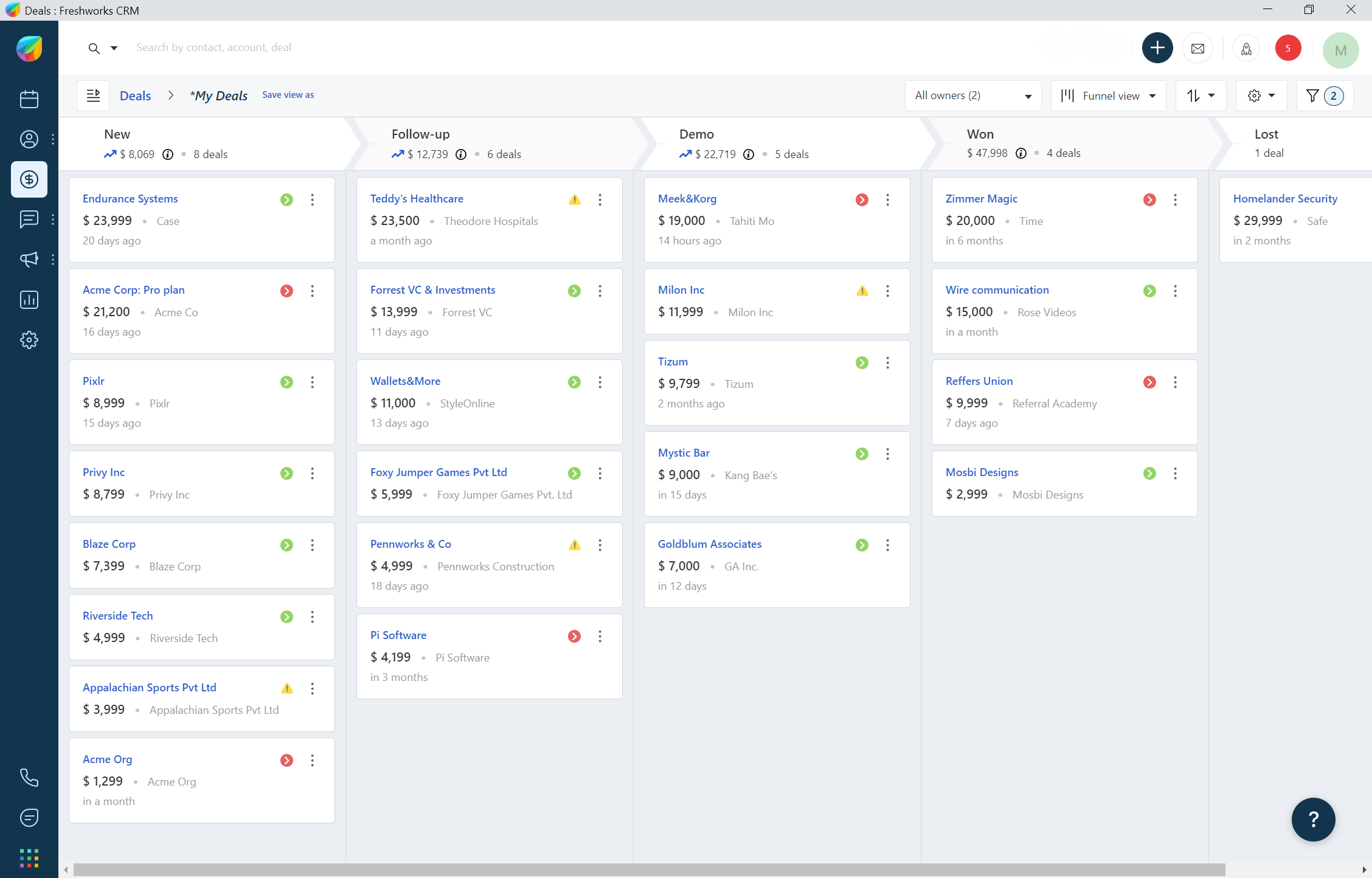
Freshsales combines contacts, deals, email, phone and chat. The free edition supports up to three users. It is practical for sales follow-up, but verify the price of AI, documents and usage add-ons before committing.
7. Nutshell — best for supported SMB sales
Nutshell is a balanced sales CRM with onboarding and support. The entry plan starts at $13 per user per month billed annually; marketing, engagement, SMS and document modules can add to the bill.
8. Brevo — best for email-first marketing
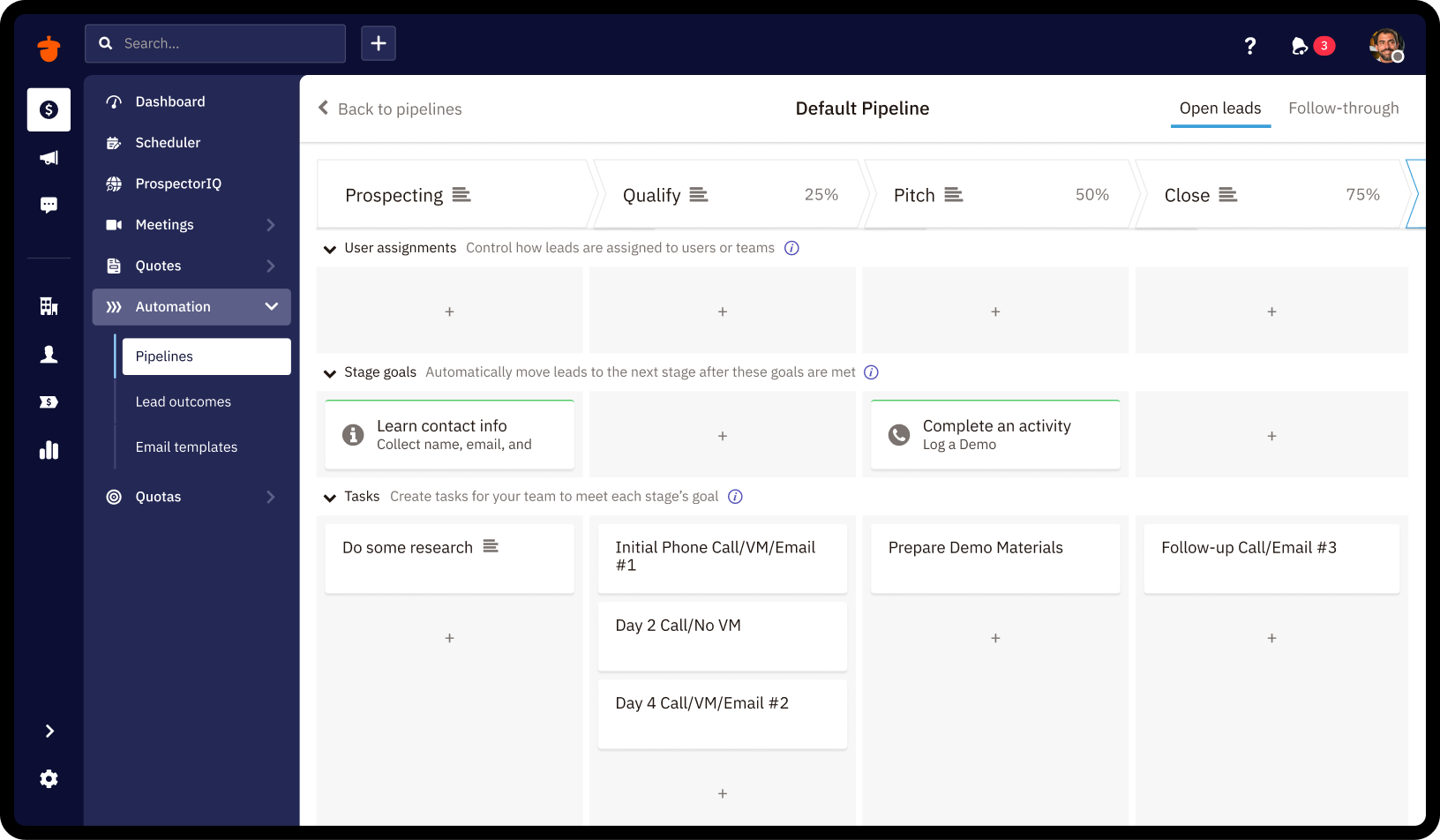
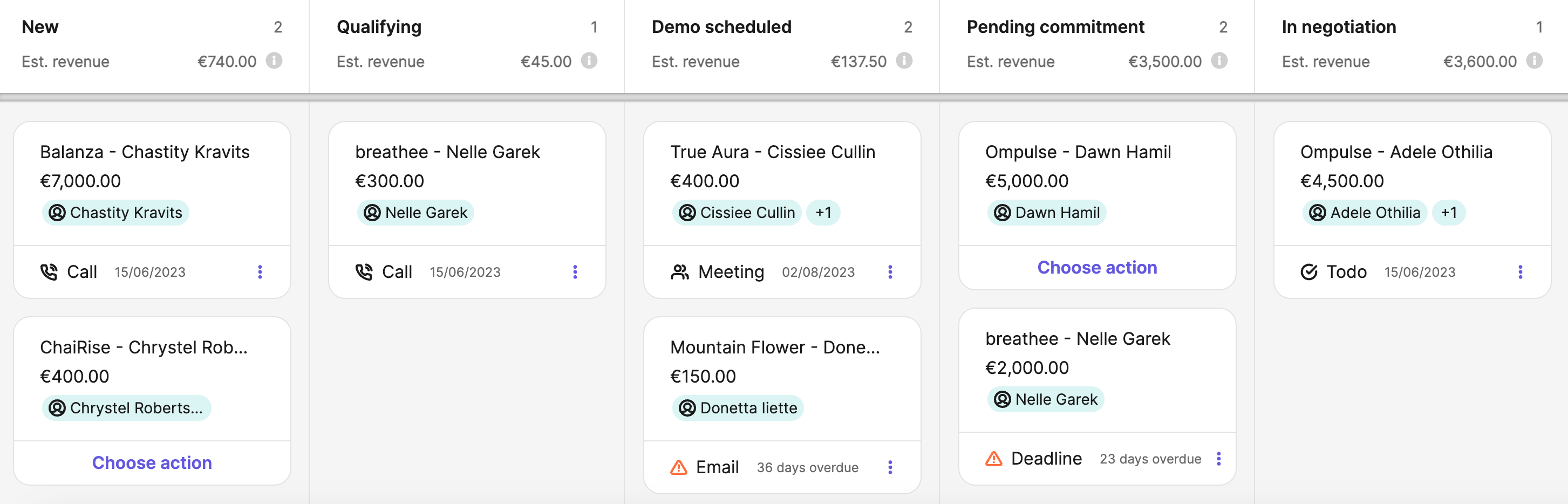
Brevo is stronger when email, SMS and marketing automation drive growth. Its free sales tools are useful for a light pipeline, while unlimited pipelines and broader sales work sit in paid packages.
9. Bitrix24 — best fixed-price breadth
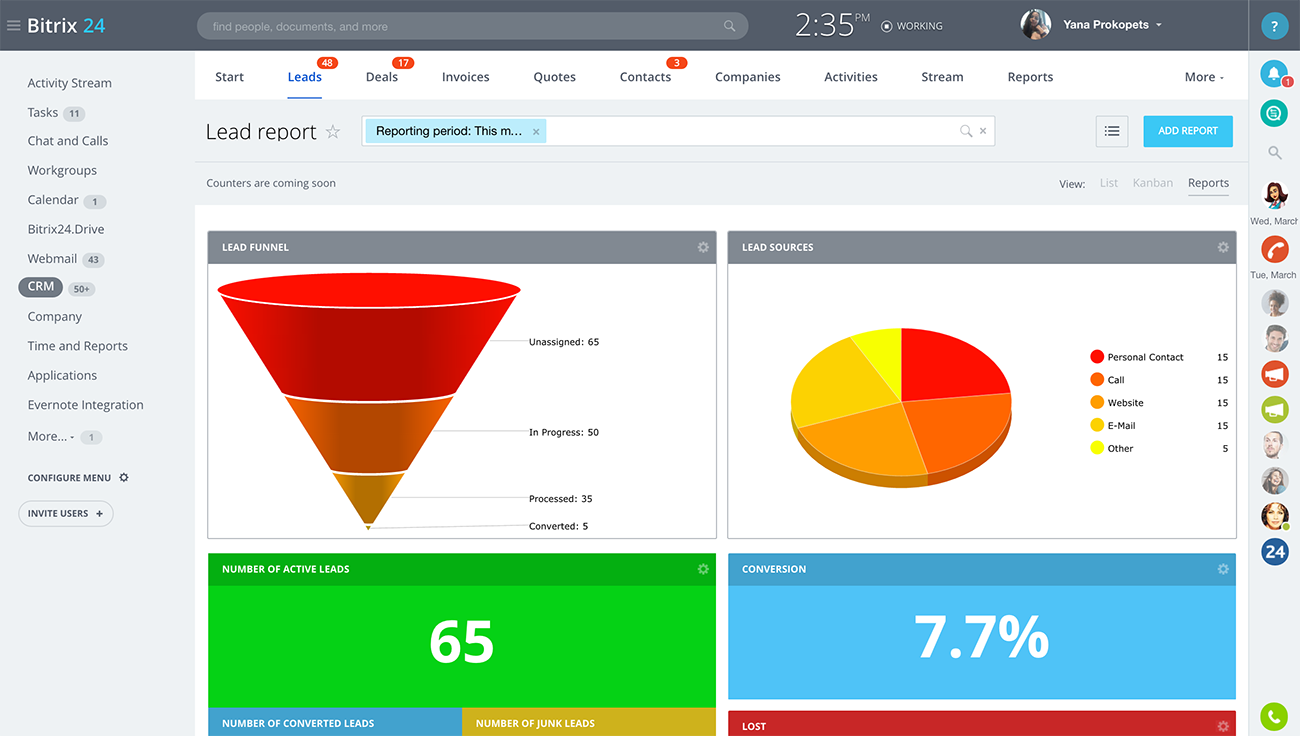
Bitrix24 uses fixed organization pricing and combines CRM, tasks, projects, video calls and payments. That can work for a larger team, but the number of modules creates more setup and administration.
10. Lark — best collaboration-first DIY CRM
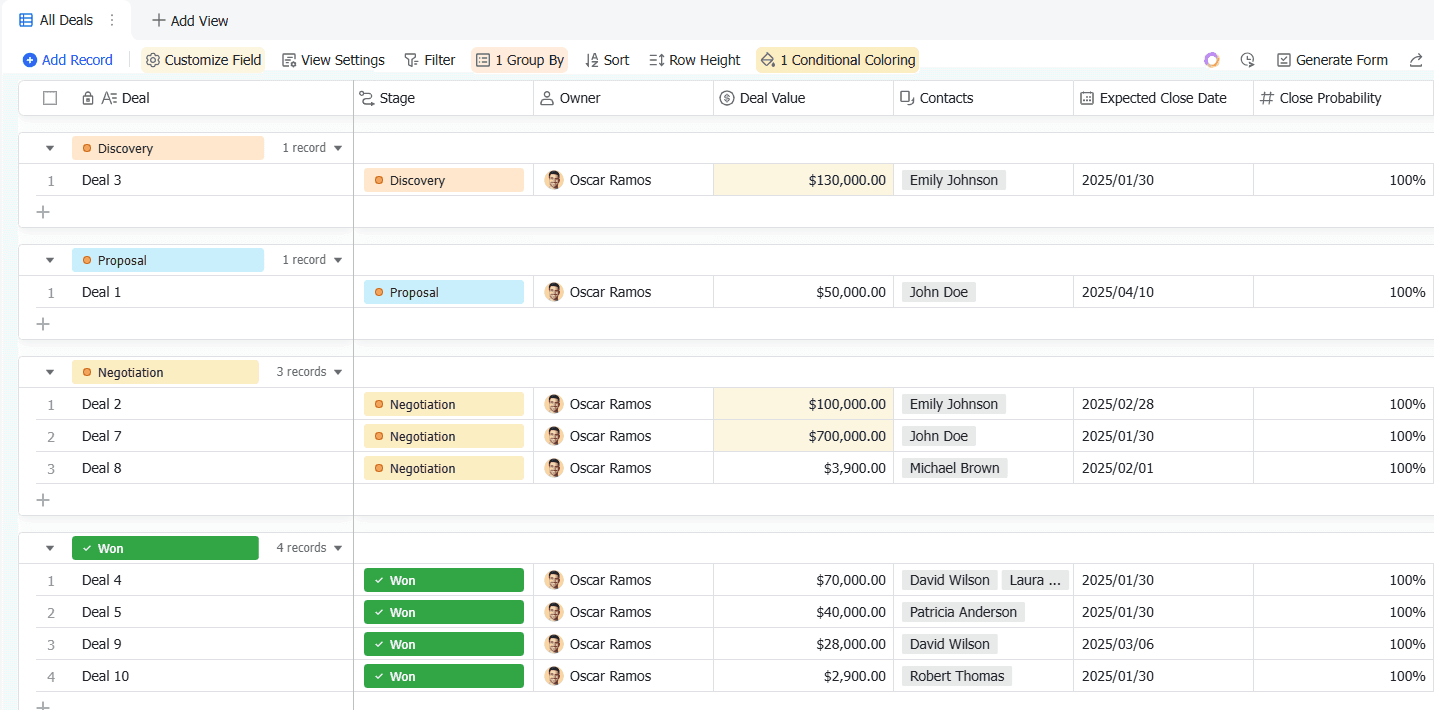
Lark combines messaging, calendars, documents and a Base database. It is affordable for a team willing to design its own CRM, but it is not a dedicated sales workflow out of the box.
Which CRM fits which small business?
| If you need | Best first test | Why |
|---|---|---|
| AI website answers plus CRM and handoff | CRM Software Pro | Free 3-user plan; $19 Launch for 8 users |
| Simple contacts and follow-up | Less Annoying CRM | One uncomplicated plan |
| Visual sales stages | Pipedrive | Mature sales pipeline |
| Customization | Zoho CRM | Deep configuration path |
| Marketing ecosystem | HubSpot | Broad connected products |
| Email-first growth | Brevo | Campaigns lead the workflow |
Measure retention and time saved
Define a cohort before the trial: for example, customers who asked a qualified booking question in September. A customer returns when they start another qualified conversation within 30 days. If 42 of 100 return, retention is 42%.
Segment that number by channel and first-response time. Also time the old workflow: opening four apps, finding the phone number, copying the last message and asking a developer for status. Time the same path in the trial. A CRM that recovers eight hours every month can be cheaper than a free tool that preserves the work.
A 14-day proof plan
- Day 1: tag 50 recent conversations by channel, language, intent, owner and outcome.
- Days 2–3: install one bot on a real page and connect one high-value channel.
- Days 4–7: run 20 real questions through the old and new workflow; record response and handoff time.
- Days 8–10: have two teammates complete the same cases; count searches, duplicate replies and developer tasks.
- Days 11–14: review ten conversations and calculate qualified conversion, hours recovered and 30-day return cohorts.
Conclusion: choose the CRM that makes the next action obvious
An affordable CRM should make the customer feel remembered and the team feel unblocked. For a small team whose journey starts on a website or messaging channel and continues through sales and delivery, CRM Software Pro is the clearest free starting point: 3 CRM users, 100 AI messages, one bot, one website and up to 100 contacts.
Start with CRM Software Pro free or compare the current plan limits. If your business needs a broader sales database, compare HubSpot, Zoho or Freshsales. If it needs a pure visual pipeline, test Pipedrive. If it needs formal ticket operations, test Zendesk.
Check speed before you commit
If you set up any CRM on your CMS, check that it does not hurt speed, UX or SEO. Install the CRM widget, record mobile performance, Largest Contentful Paint and page weight before and after, then compare the result. If the numbers move, fix the regression before you judge the CRM. Use SEOquick for the before-and-after speed audit and UNmiss to map the conversation to a task, quote or booked call.